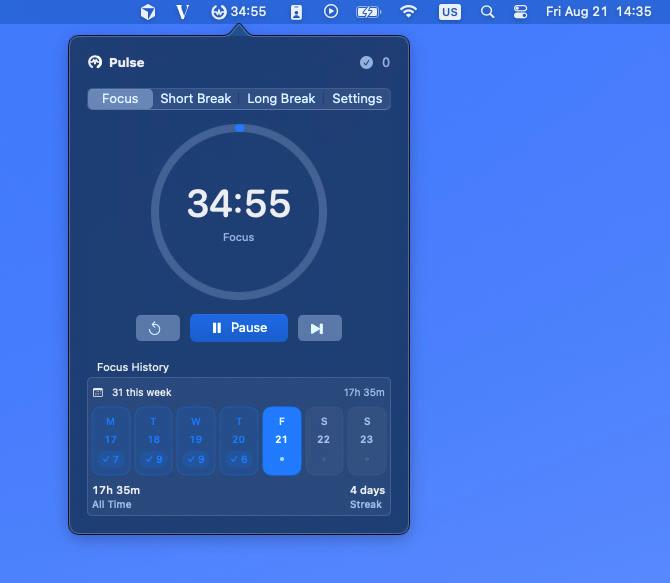
Focus
25 minSettle into one task with a clear, distraction-free countdown.
A quieter way to focus
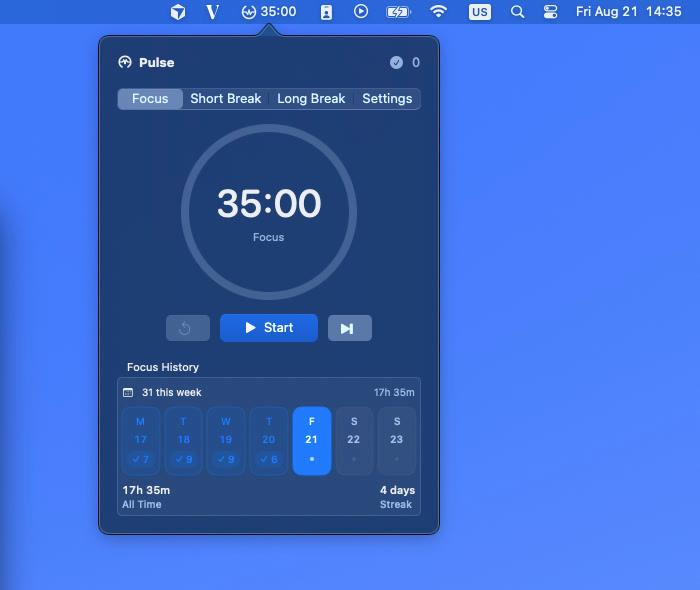
Open Pulse from the menu bar, choose a session, and close the popover. The timer keeps working while you do.
Product walkthrough showing session controls, history, completion feedback, and settings.
A rhythm you control
Pulse suggests what comes next but never starts a session for you. Every duration can be adjusted to fit your day.
Settle into one task with a clear, distraction-free countdown.
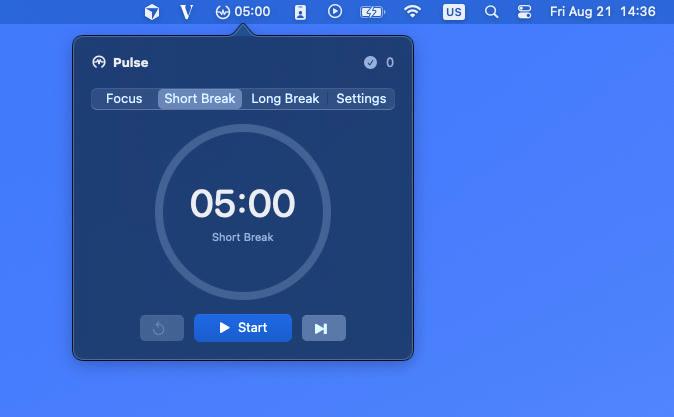
Step away briefly and return with a little more room to think.
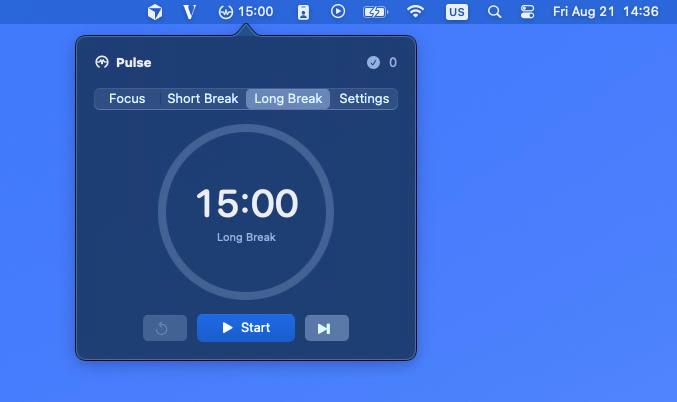
Recover after a longer stretch of focused work.
Progress without pressure
A compact weekly history gives you enough context to build momentum without turning focus into another dashboard to manage.
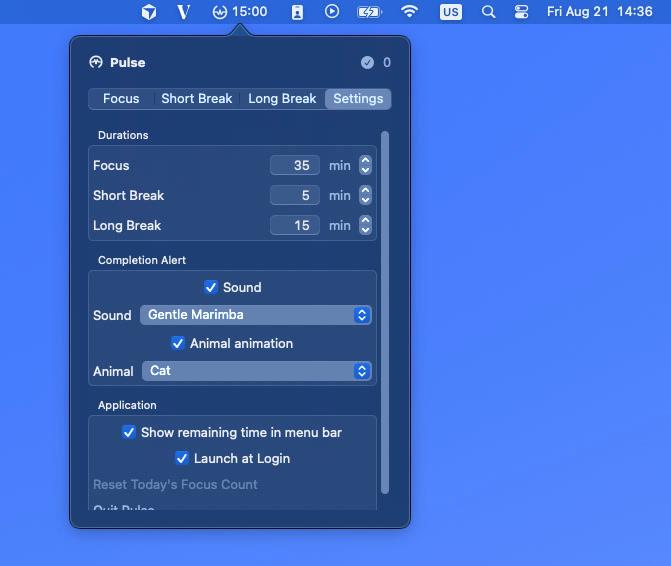

Gentle feedback, your way
Choose from six calm completion sounds and six animal celebrations, or turn either one off. Pulse adapts to how quiet—or playful—you want your workspace to feel.
Native by design
SwiftUI, AppKit, and macOS system conventions keep Pulse fast, familiar, and dependable.
No Dock icon and no main window competing for your attention.
End-date-based timing remains correct across sleep, wake, and relaunches.
Your settings and focus history never leave your Mac.
Private by default
Pulse has no account, analytics, advertising, or network requests. Settings and history stay in local macOS storage.
Pulse Pomodoro will be free to download. Until then, read the privacy policy or get support.