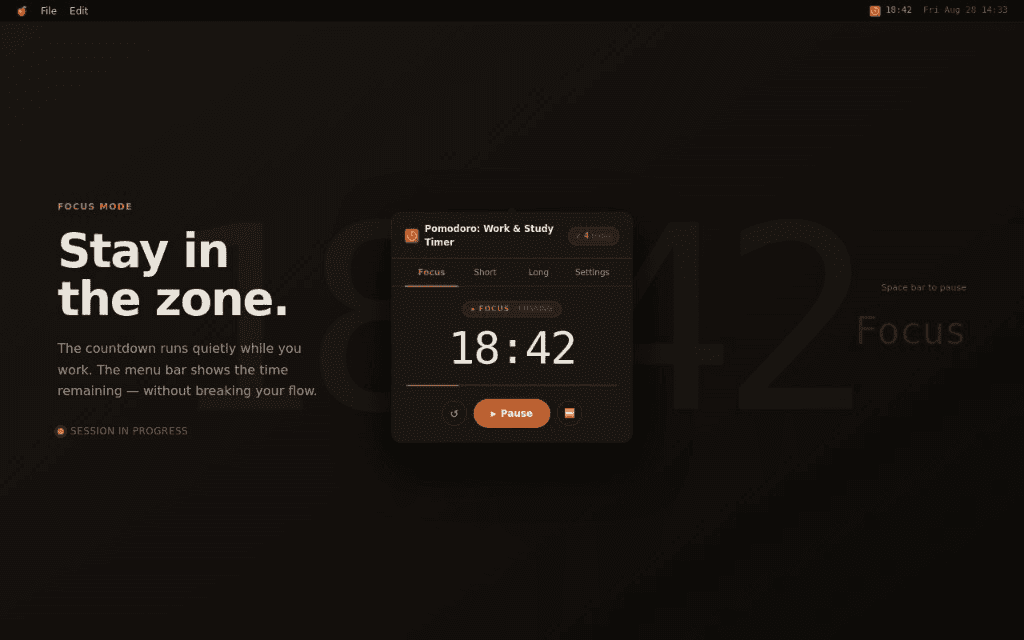
Focus
1–120 minThe countdown runs quietly while you work. Pause, reset, or skip — you stay in control on iPhone and Mac.
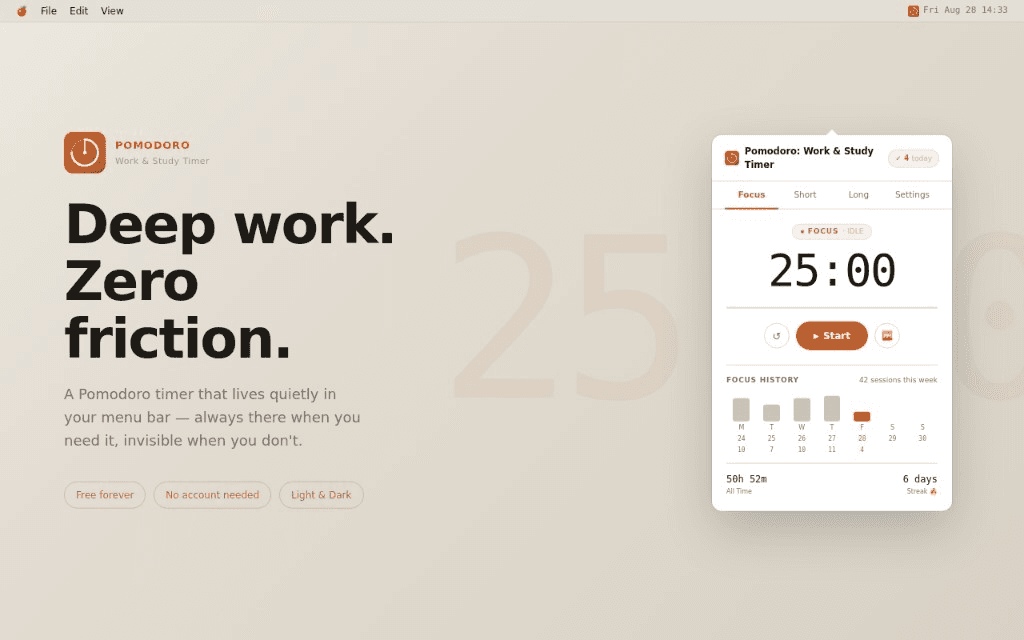
A quieter way to focus
On Mac, open Pomodoro: Work & Study Timer from the menu bar, choose a session, and close the popover. On iPhone, start Focus from Home and keep going with Live Activities on supported devices. The timer keeps working while you do.
Focus and break timers, Daily Focus Goals, Focus History, streak tracking, 12-language localization, and optional completion alerts.
A rhythm you control
Pomodoro: Work & Study Timer suggests what comes next but never starts a session for you. Every duration can be adjusted to fit your day.
The countdown runs quietly while you work. Pause, reset, or skip — you stay in control on iPhone and Mac.
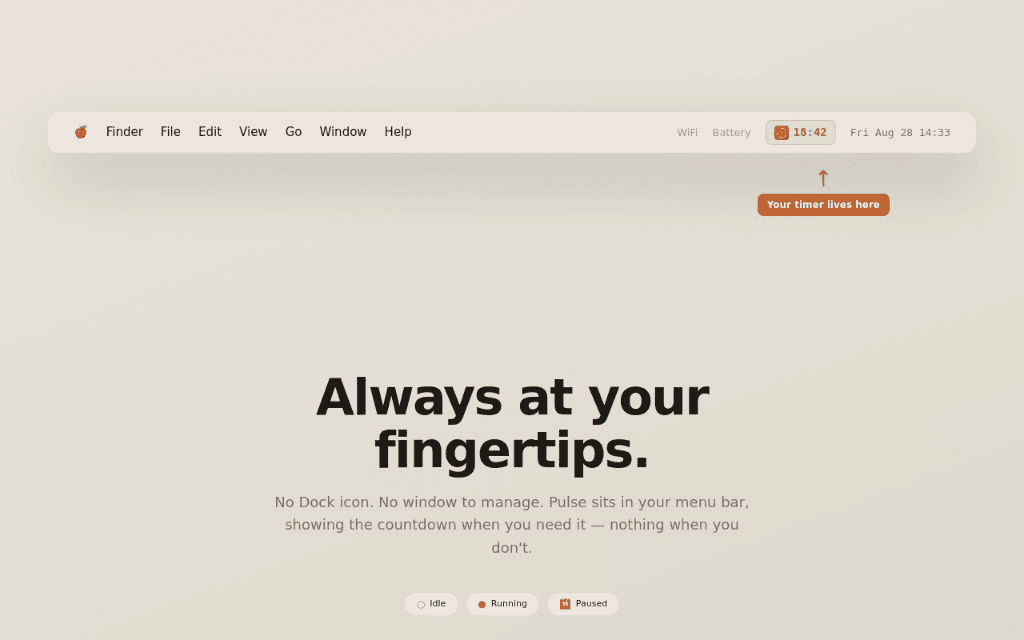
On Mac, show or hide the remaining time in the menu bar. The fixed-width status item stays put without shifting the popover, up to 120:00.
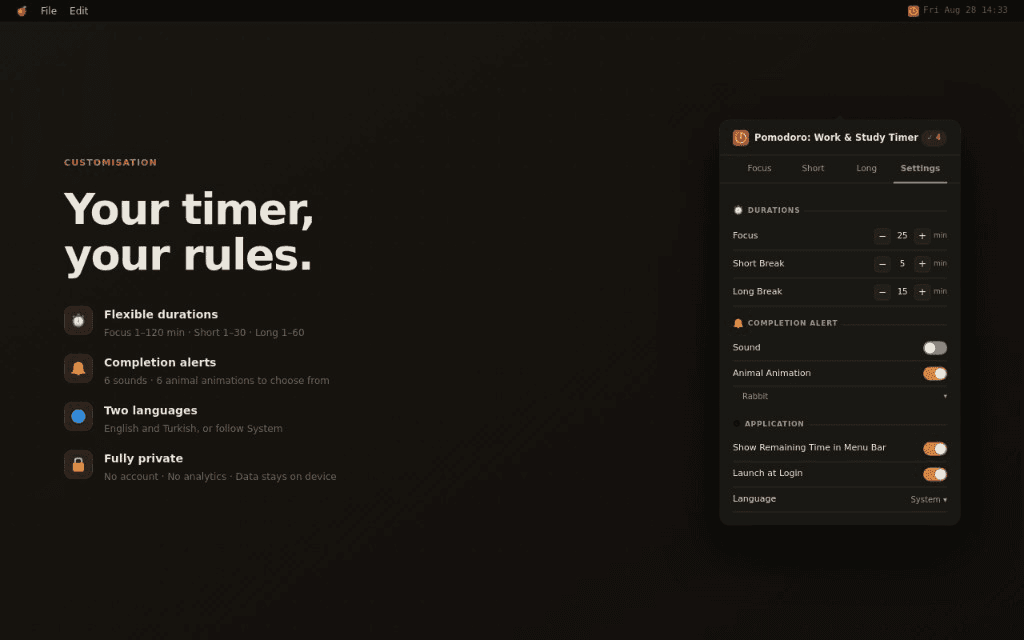
Flexible durations, Daily Focus Goals, completion sounds and animations, 12 UI languages, and appearance preferences.
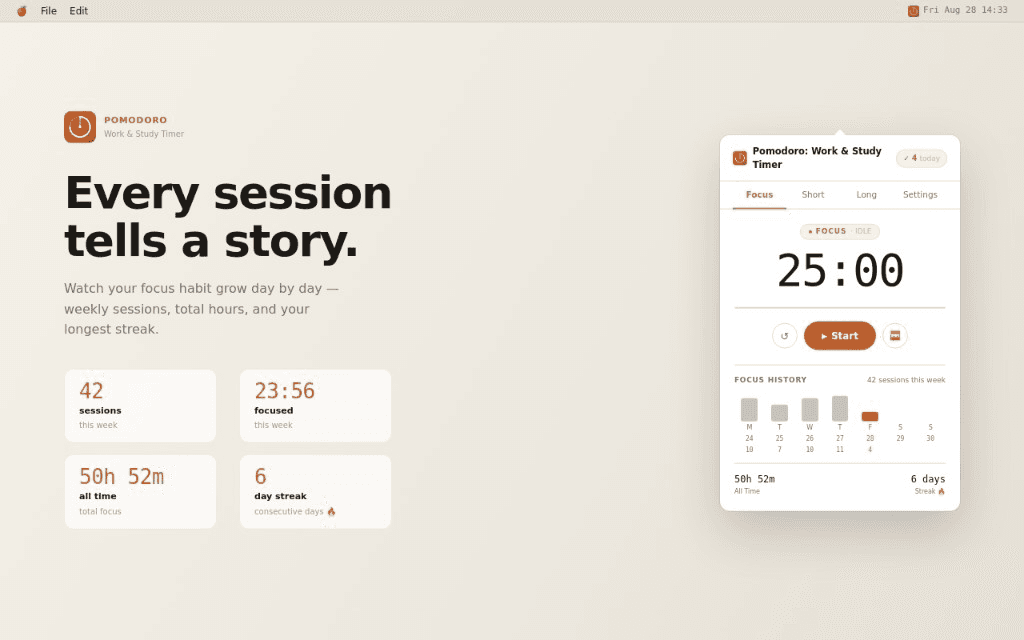
Progress without pressure
Open Focus History to review totals and streaks. When you are signed in, history can sync across your iPhone and Mac so progress follows you.
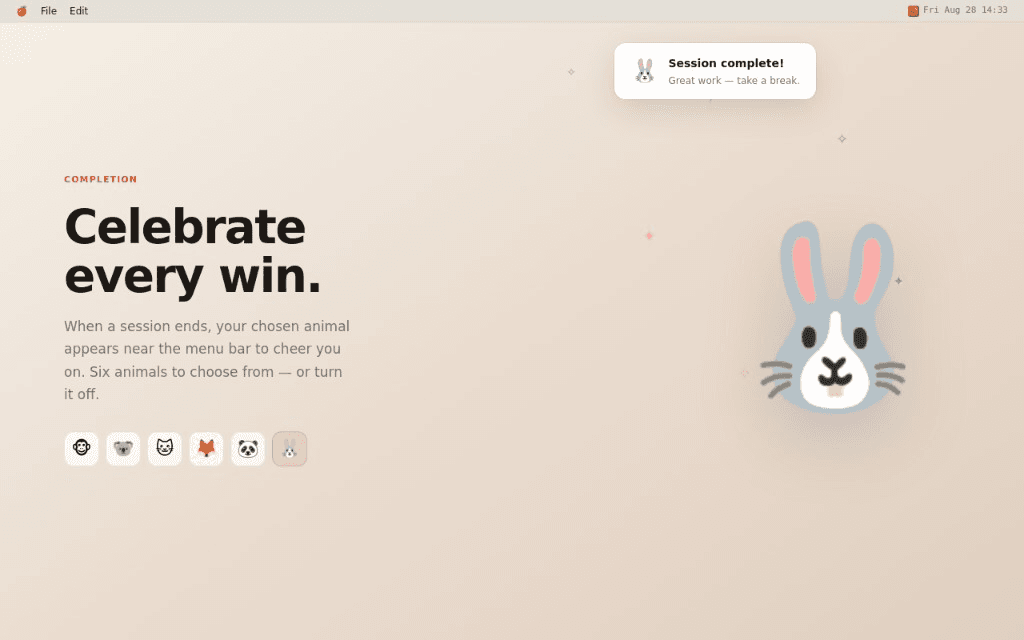
Gentle feedback, your way
Choose from six calm completion sounds and six animal celebrations, or turn either one off. Pomodoro: Work & Study Timer shows the right message when a Focus, Short Break, or Long Break session ends.
Native by design
SwiftUI, AppKit, and system conventions keep Pomodoro: Work & Study Timer fast and familiar — with VoiceOver labels and Reduce Motion support throughout.
A quiet menu bar companion on Mac, and a focused Home experience on iPhone.
Sessions remain correct across sleep, wake, and relaunches, with history recorded at the actual deadline.
Keep focusing without a connection. When you are back online, signed-in changes sync to your account.
Full UI in 12 languages with system-language default and manual override in Settings.
Private by design
Pomodoro: Work & Study Timer uses an account so history can sync between your devices. We store only what sync needs, never sell your data, and keep analytics separate from your focus history.
Get Pomodoro: Work & Study Timer on the App Store for iPhone and Mac, or read the privacy policy and support page if you need help.